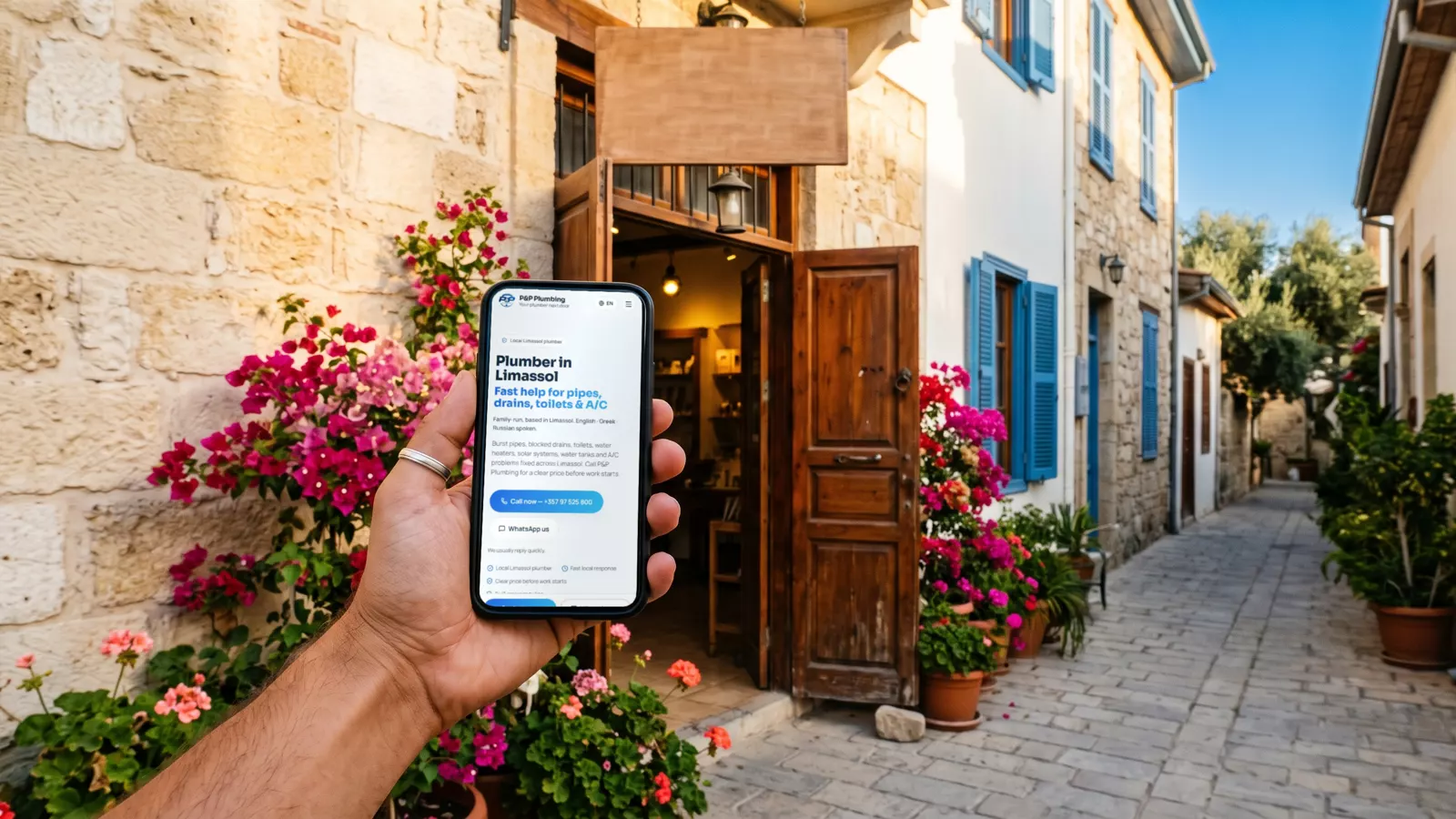
What it is
A Google Business Profile is the free listing that appears on Google Maps and beside the search results: your name, address, phone, opening hours, photos, reviews and a link to your website.
Setting it up
- Create or claim your business on Google with the business's own Google account, not a personal one.
- Use your business name exactly as customers know it, without extra words.
- Choose the main category that best describes what you do, then a few extra ones.
- Add your address, or the areas you serve if customers don't come to you.
- Verify the business: Google asks for proof that you run it.
- Add your phone, website, opening hours (and holiday hours) and your services.
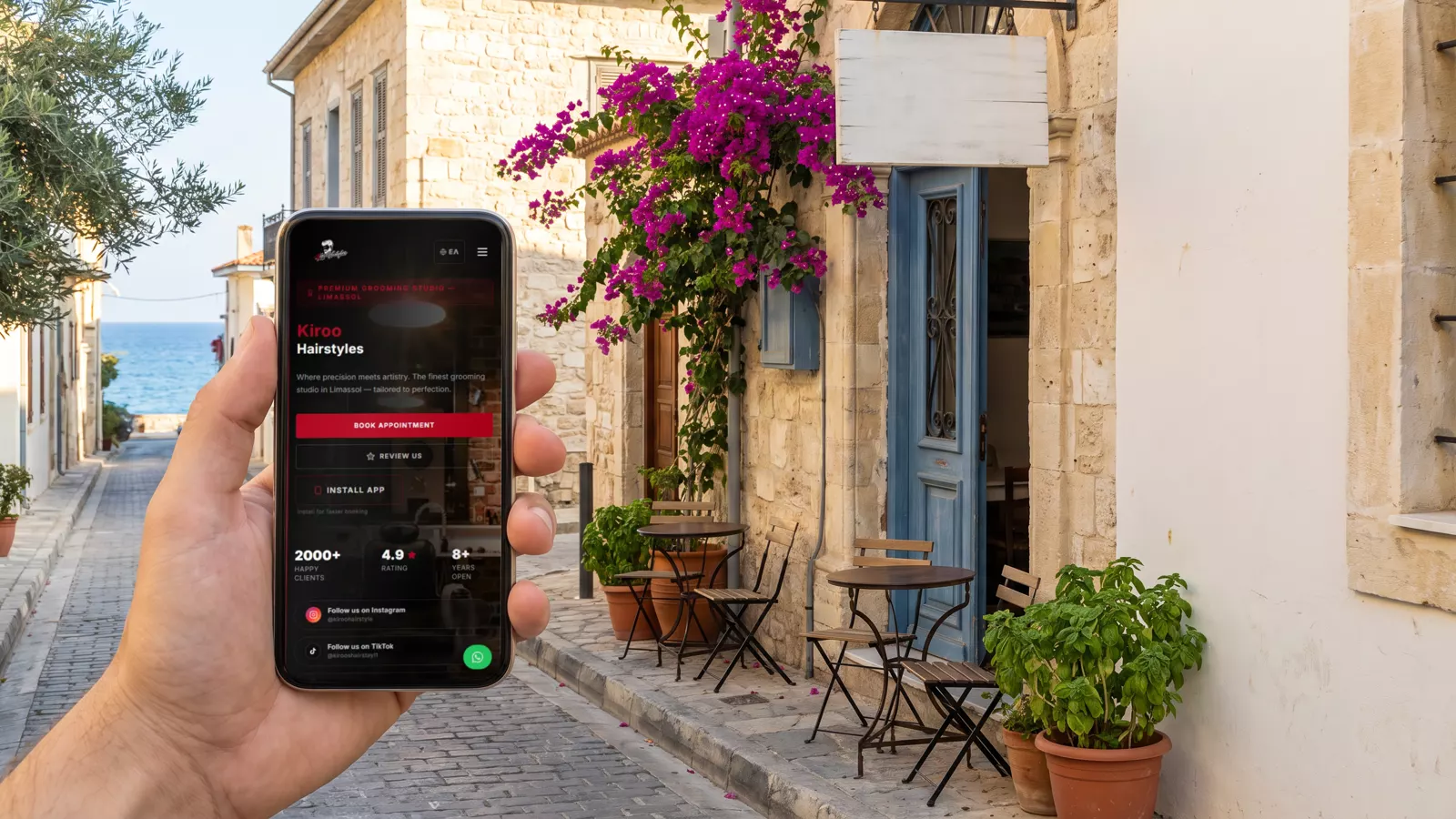
Keep it alive
Add real photos of your place, your team at work and your results. Post news and offers now and then. Answer questions. Keep the hours right, especially on holidays: a customer who finds you closed when Google said open does not come back.
Reviews, the honest way
Ask every real customer for an honest review, in the same way, whether they were happy or not. Never pay for reviews, never offer a discount for one, and never ask only the happy customers: Google removes such reviews and can restrict the profile. Answer every review politely, the bad ones too.
Connect it to your website
Your profile and your website should show the same name, address and phone. Link the profile to the right page of your site, and your site back to your profile. See SEO for small businesses in Cyprus.